DEVELOPER / OPEN SOURCE
16-Level Grayscale E-Paper on ESP32-S3
A technical demonstration of full-screen 16-level grayscale rendering on NOTE4 hardware, with the open-source reference project available on GitHub.
Watch on YouTube ↗
ZECTRIX NOTE SERIES / DEVELOPER KIT
Start with a complete 4.2-inch ESP32-S3 device instead of a loose display module. Explore fast black-and-white interfaces, full-screen 16-level grayscale, custom data sources, buttons, audio, NFC, and connected workflows.
Developer edition: the first batch ships with beta demo firmware for testing and exploration. It is not the NOTE4 consumer firmware or a finished consumer software service.
Secure checkout on the official ZECTRIX store. Shipping and taxes are calculated at checkout.
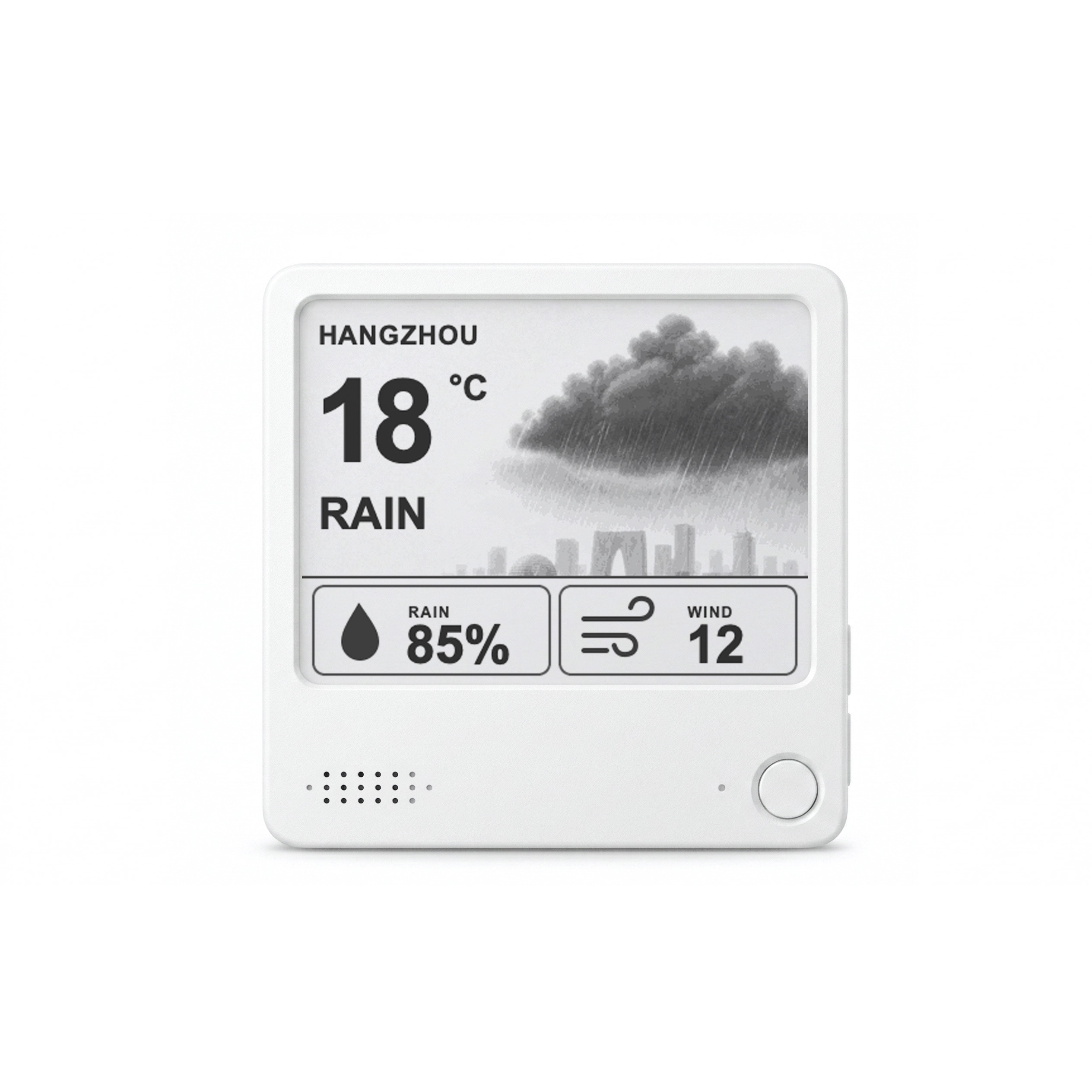 NOTE4 / BLACK & WHITE E-INK
WATCH / EXPLORE / BUILD
A growing YouTube library for rendering tests, open-source examples, firmware walkthroughs, and projects built around NOTE4 developer hardware.

e-ink display on my fridge that shows my macros 😋

The device itself is very cool!

My nephew is in his dinosaur phase, we asked Mr. Dino a lot of stuff today

I really liked @marckohlbrugge's e-ink screen by @itopinion
PROJECT DIRECTIONS
Use existing community work as a starting point, or combine the screen, controls, wireless connectivity, audio, and your own services into something more specific.

The official open-source reference firmware demonstrates full and partial 1-bit refresh plus full-screen 16-level grayscale on NOTE4 hardware.
View the reference code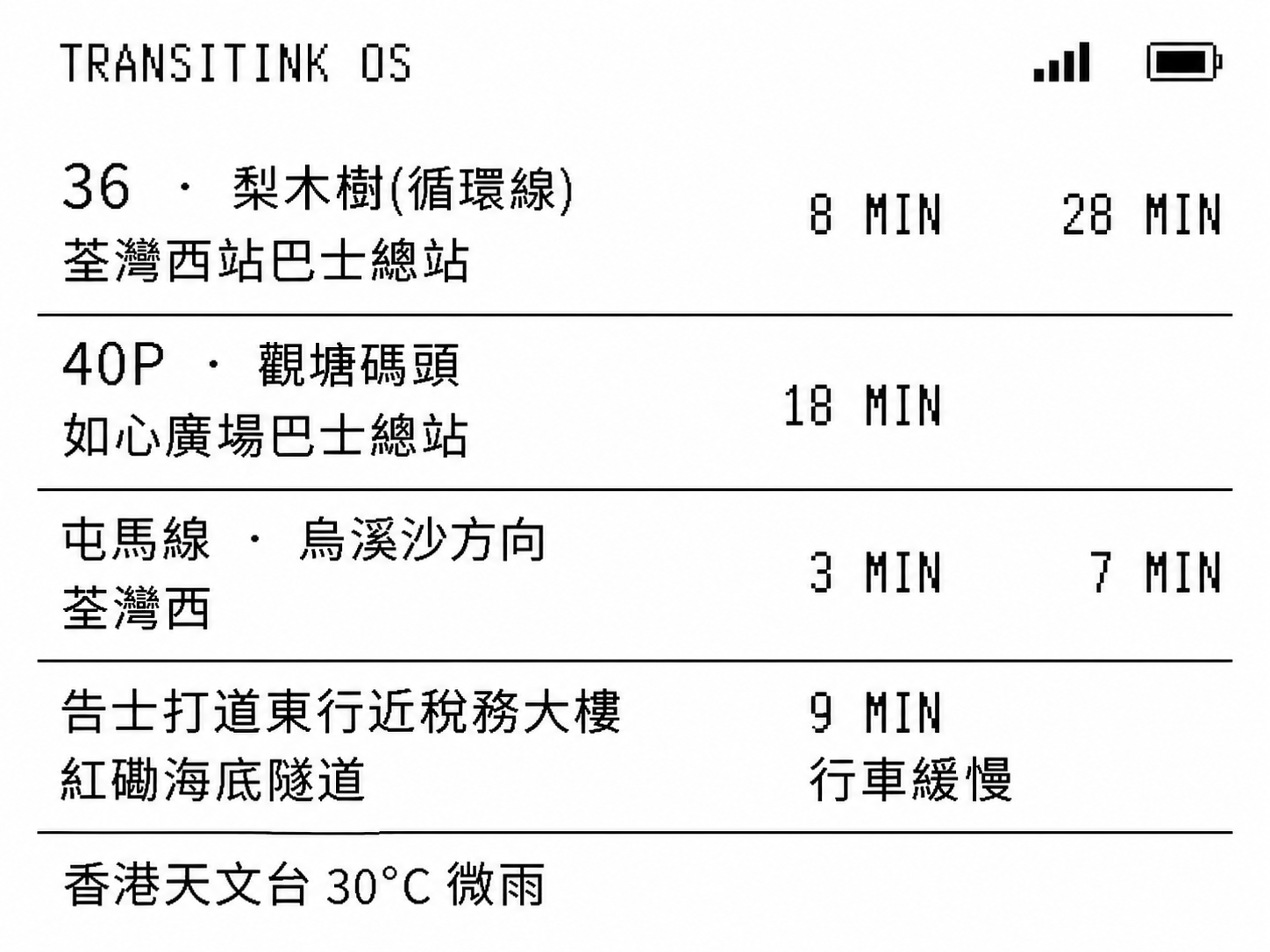
A public-transport arrival board built for NOTE4, with configurable information modules and low-power schedules.
View the Wiki project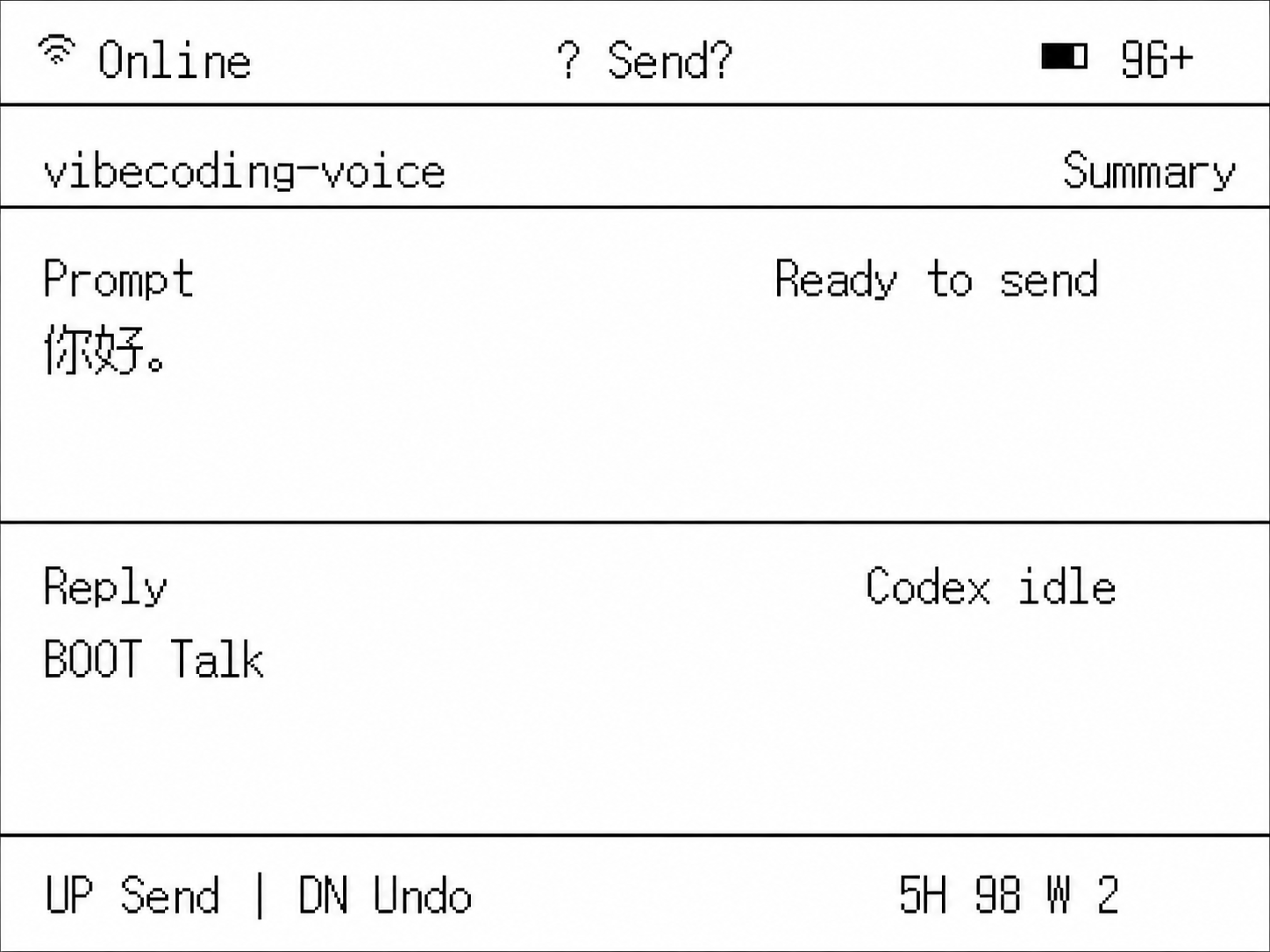
A push-to-talk voice bridge that sends spoken instructions to Codex, Claude Code, or an active input field while returning status to the e-paper display.
View the Wiki project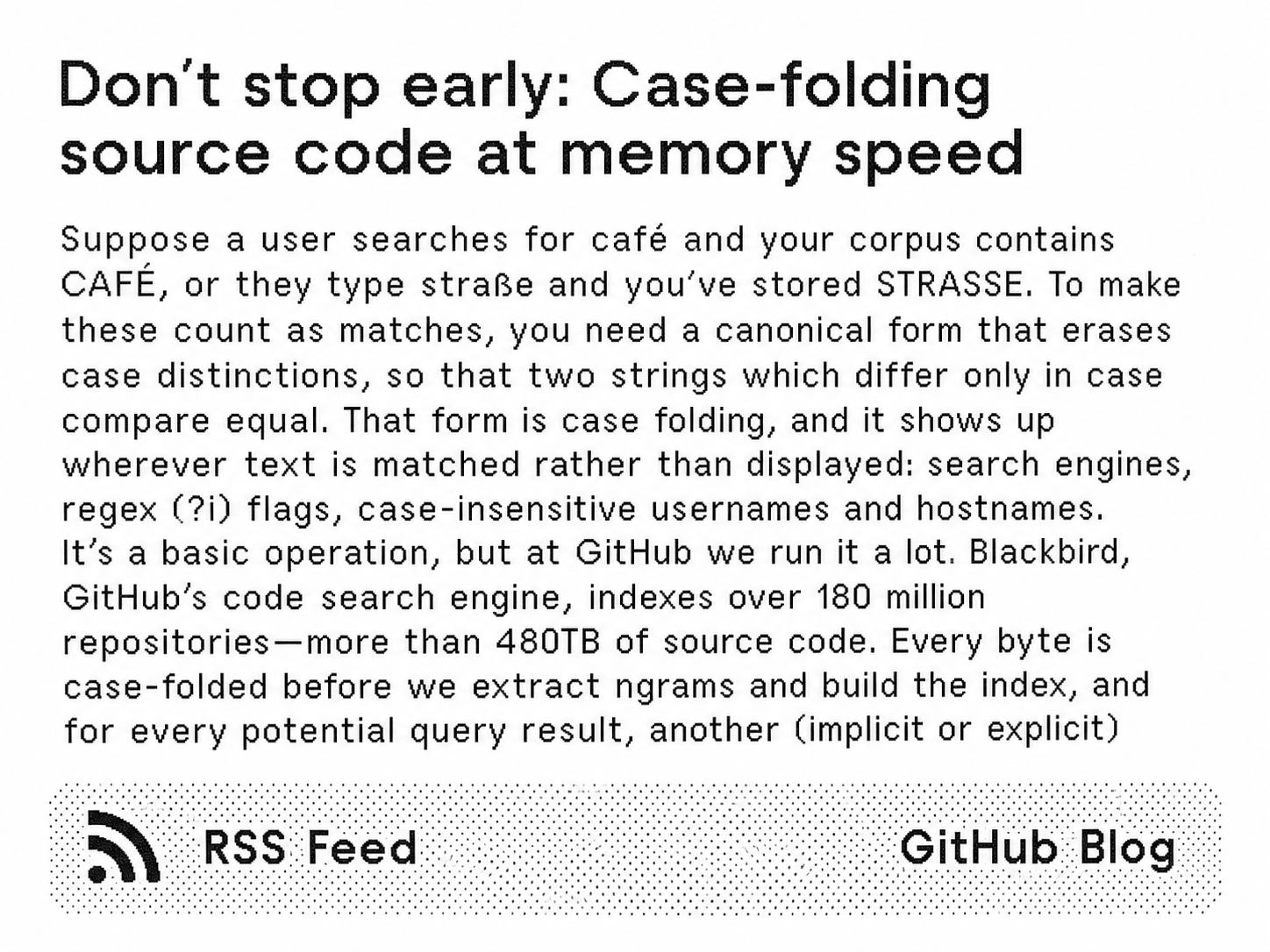
A NOTE4 client for rendered information feeds, dashboards, calendars, metrics, and other low-frequency content.
View the Wiki project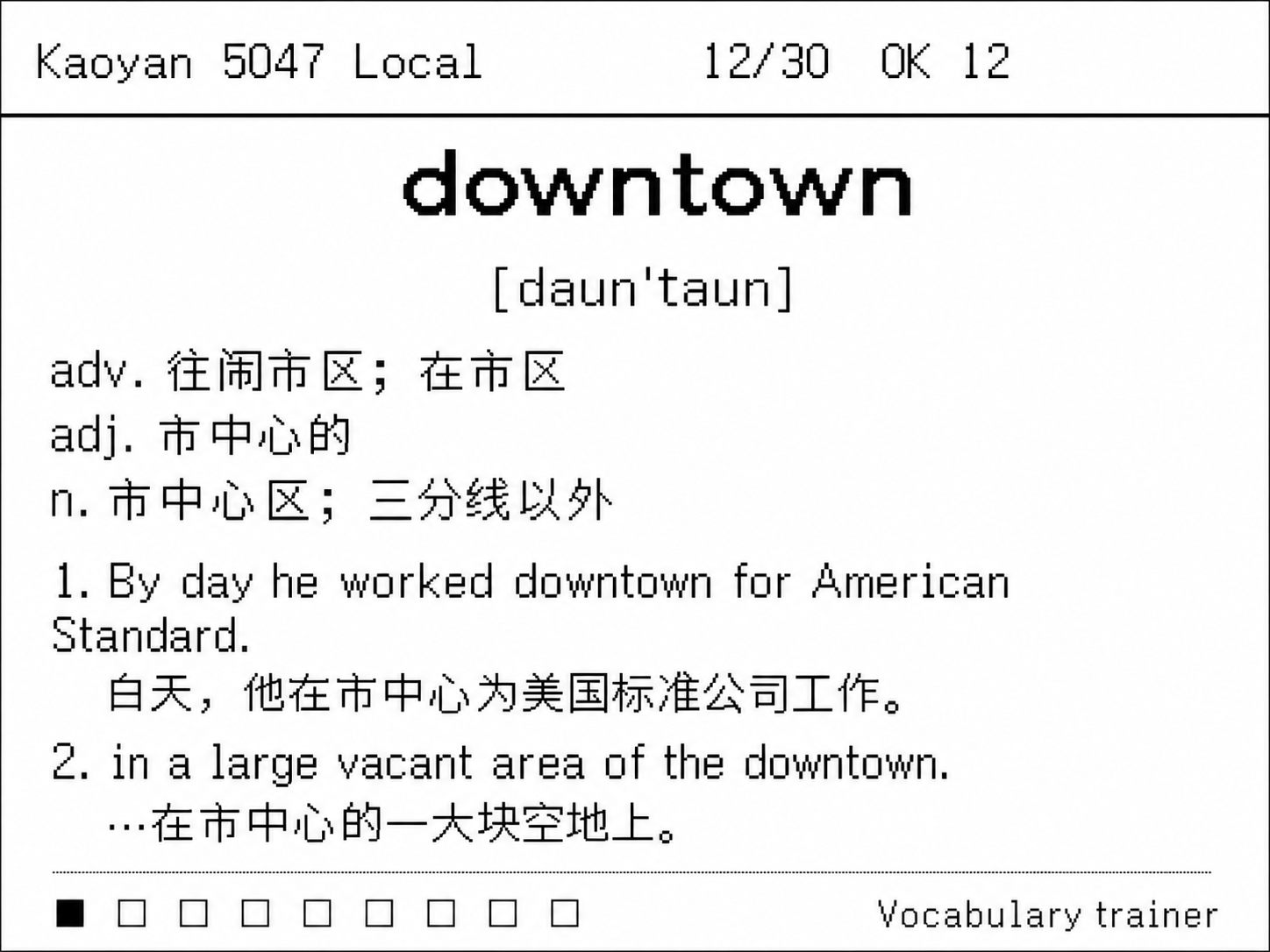
A focused learning machine with offline word review, progress tracking, and a screen designed for sustained reading.
View the Wiki project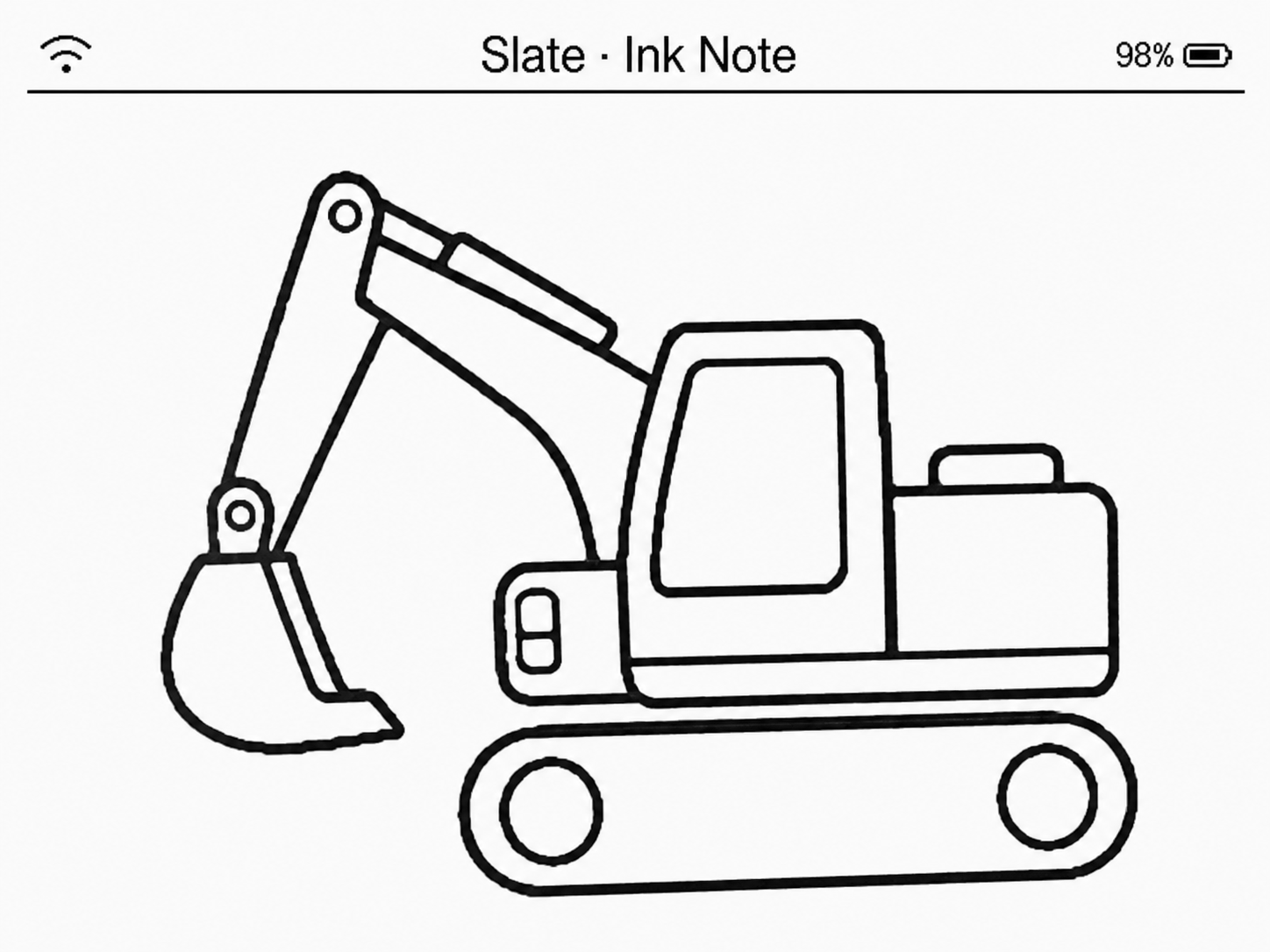
An open frame and information-board stack combining device firmware, backend services, and a web management interface.
View the Wiki projectThe official demo and community projects above show reusable patterns for grayscale imagery, transit boards, voice workflows, content feeds, study tools, and information frames. They can also inspire home-control hubs and other custom roles, but they are not preinstalled or officially maintained consumer features. Third-party services and additional development may be required.
FIRST BATCH / BETA DEMO
Every first-batch unit is preloaded with a test demo so you can power on, check the display, and explore the hardware before beginning your own firmware work.
Use the preinstalled demo to check the screen, controls, and basic device behavior after unboxing.
The demo is a starting point, not a locked product layer. Move to the open reference project or your own application.
Back up what matters and keep the correct image and instructions for your hardware batch before experimenting.
TWO RENDERING PATHS
NOTE4 can behave like a crisp information terminal or a grayscale image surface. The two modes solve different problems, so your firmware can choose the right refresh path for each screen.
Use full and partial 1-bit refresh for text, lists, status changes, menus, and other information that needs to update without redrawing the whole screen.
Best suited to dashboards, control surfaces, timetables, task lists, and low-frequency UI updates.
Render photos, illustrations, charts, shaded icons, and richer visual compositions using the display's full-screen 4bpp grayscale path.
The reference project supports full-screen 16-level grayscale. Refresh behavior and ghosting differ from the faster 1-bit path, so test your intended update pattern.
COMPLETE HARDWARE
The display, ESP32-S3 mainboard, battery, enclosure, buttons, audio hardware, NFC, charging circuit, and magnetic back are already integrated. Spend your time on the behavior people will actually use.
OPEN REFERENCE PROJECT
The official MIT-licensed reference repository targets the black-and-white NOTE4 hardware and includes full and partial 1-bit refresh plus full-screen 4bpp grayscale. Use it to understand the display pipeline, validate your toolchain, and build outward.
01  init_note4_hardware();
02  select_refresh_mode();
03  render_framebuffer();
04  epd_refresh();

// 1BPP  FULL + PARTIAL
// 4BPP  FULL-SCREEN / 16 GRAY
// 400 × 300 · SSD2683

build_the_rest_your_way();
Power on and validate the first-batch demo before changing the firmware.
Record the hardware batch and keep the correct images and recovery steps.
Build the reference project and test both refresh paths on your device.
Add your UI, services, data sources, and safe update workflow.
HARDWARE SPECIFICATIONS
The Developer Kit uses the current black-and-white NOTE4 hardware platform. Final details may vary slightly by production batch.
CHOOSE THE RIGHT NOTE
The hardware may look related, but the promise is different. Choose by the software experience and display path you want—not by the enclosure alone.
Finished consumer firmware and practical default experiences. Consumer hardware specifications may differ by release version.
View NOTE4Black-and-white hardware with beta demo firmware, partial refresh, grayscale experiments, and open reference code.
You are viewing this productA fully assembled four-color e-paper development device for static labels, signs, cards, and occasional status updates.
View NOTE4C DevkitDEVELOPMENT DEVICE SUPPORT
No commercial product warranty is offered for the NOTE4 Devkit because it is a development device. Hardware manufacturing defects may be eligible for support, subject to assessment and applicable law.
Issues caused by custom firmware, flashing, modification, misuse, incompatible accessories, or expected e-paper behavior may not be covered. Contact ZECTRIX Support before returning a device.
FAQ
The Developer Kit is sold as a development device. It uses the current black-and-white hardware platform and ships with beta demo firmware, not NOTE4's finished consumer firmware or consumer software service.
A beta test demo is preinstalled so you can power on the unit, check the display, and begin exploring the hardware. It is a development starting point and may change between batches.
Yes. The open reference project supports full-screen 4bpp / 16-level grayscale as well as full and partial 1bpp black-and-white refresh. These modes have different refresh behavior, so test them against your intended use.
Do not assume a complete multilingual font library is preinstalled. Developers choose, license, store, and render the fonts required by their own firmware within the available resources.
The box includes one NOTE4 Devkit and one desktop stand. The first batch also has beta demo firmware installed, with development resources provided online.
Plan recovery before flashing: identify your hardware batch, preserve the files you need, and keep the correct image and instructions. Recovery steps may differ during the beta period.
No. The support boundary follows NOTE4C Devkit: hardware manufacturing defects may be eligible for assessment, while problems caused by custom firmware, flashing, modification, misuse, incompatible accessories, or expected e-paper behavior may not be covered, subject to applicable law.
The launch price is $54.99 USD, reduced from $69.00 USD and valid through October 31, 2026—the same as NOTE4C Devkit. Purchase through the official ZECTRIX store; shipping and taxes are calculated at checkout.
BUILD YOUR NOTE4
The NOTE4 Devkit is available now. Launch price: $54.99 USD through October 31, 2026. Includes the NOTE4 Devkit, one stand, and preinstalled beta demo firmware.