Device firmware · NOTE4C · Four-color
NOTE4C Four-Color Community Firmware
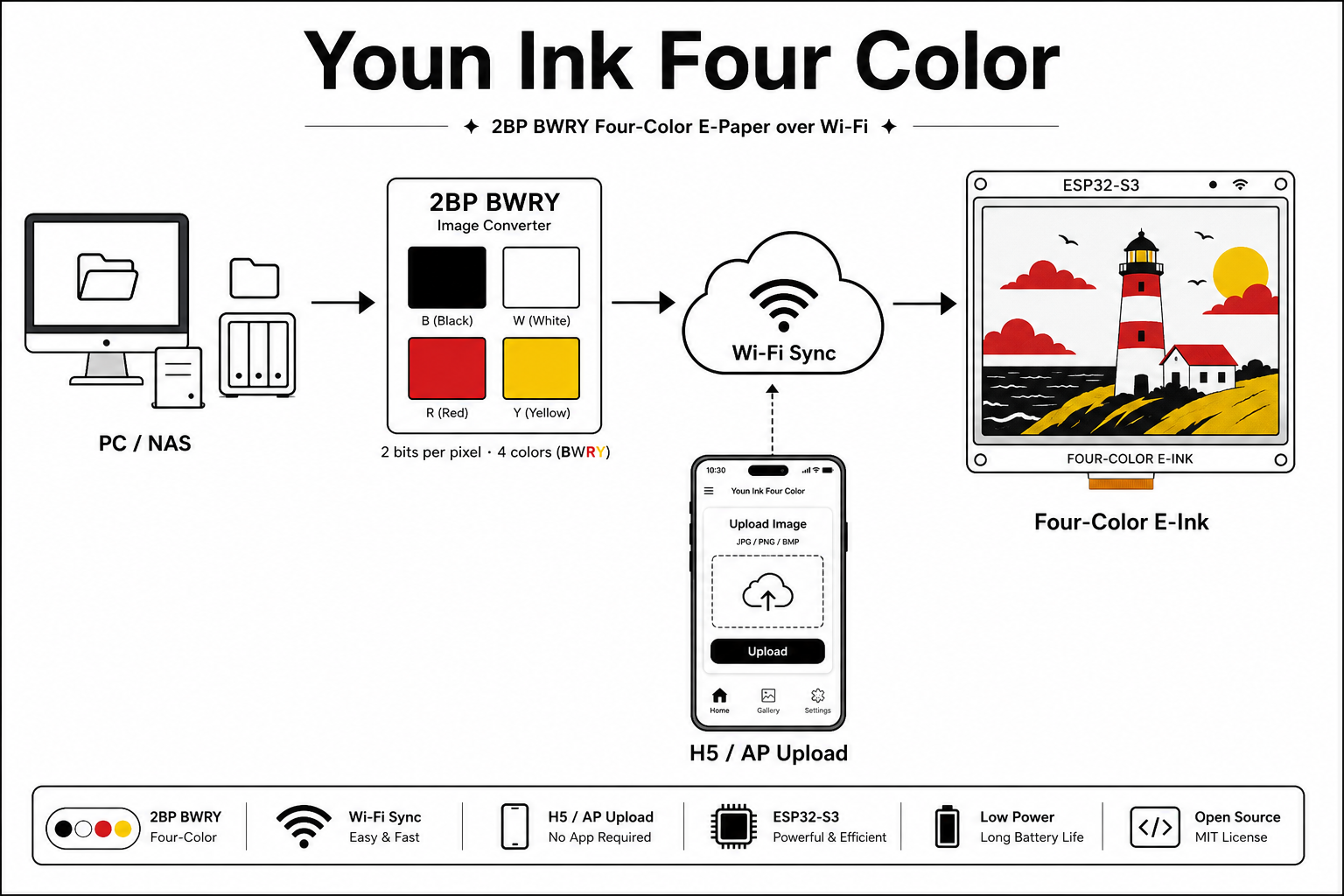
Maintained by zack and based on LazyYoun’s four-color demo. Version 6.6.3.1 adds weather, offline speech and a lunar calendar, with improvements to LAN photo delivery, fast refresh and deep-sleep recovery.
What it can do
Maintained by zack and based on LazyYoun’s four-color demo. Version 6.6.3.1 adds weather, offline speech and a lunar calendar, with improvements to LAN photo delivery, fast refresh and deep-sleep recovery.
Install & use
Let AI help you install
Connect the device and give AI the detection results together with this firmware information.
Confirm the device and connect USB
USB chip information cannot distinguish monochrome from four-color screens. Confirm the model first.
Connect USB and detect the device
Read the chip and capacity first, so AI needs fewer follow-up questions.
Detection may restart the device into download mode. It does not flash firmware; you still need to confirm the display model.
Not detected yet. You can also copy the task first and ask AI to help connect.
Give the installation task to AI
Codex on your computer can install dependencies and run programs locally.
Check compatibility → Prepare firmware and a full backup → Assist with local installation → Verify first run
After copying, start a new chat in Codex on your computer and paste the task.
See the task for AI
Only project information and the device details selected here are included. Network addresses, accounts and keys are configured locally during installation.
After installation, check this
Check that the device shows the expected NOTE4C Four-Color Community Firmware screen and continues refreshing correctly.
Ask AI to report the installation location, verification results and how to start again. Continue in the same conversation if something goes wrong.
Know the process? View manual steps and source
Four-color NOTE4C · 16 MB flash · Full USB flash · QWeather JWT configuration for weather updates
Back up the original flash
Confirm you have the four-color NOTE4C. Back up all 16 MB of flash from that device to preserve its firmware and data for recovery.
Flash using the development guide
The development guide covers the version, partitions and recovery. For initial installation flash the merged image over USB at 0x0. The older demo’s OTA address does not apply.
Community source and image structure reviewed. ZECTRIX has yet to test flashing on NOTE4C hardware. Preparing a task does not send it or start installation.
Frequently asked questions
Does offline speech need an internet connection?
Speech synthesis runs on the device. Refreshing weather data requires internet access and your own QWeather JWT credentials configured when building the firmware.