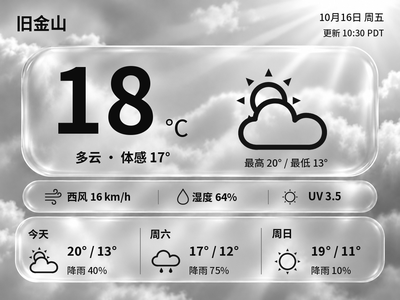
Liquid Glass Weather
Generate Chinese or English glass-style weather cards with temperature, feels-like temperature and a three-day forecast. The current version previews and exports images on your computer first.
Local Push SDK · Public source
Local app · NOTE4
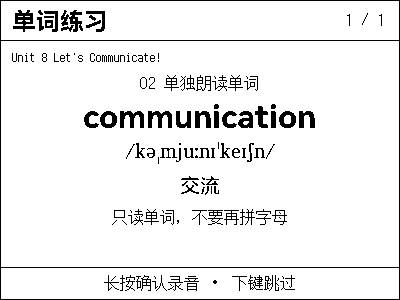
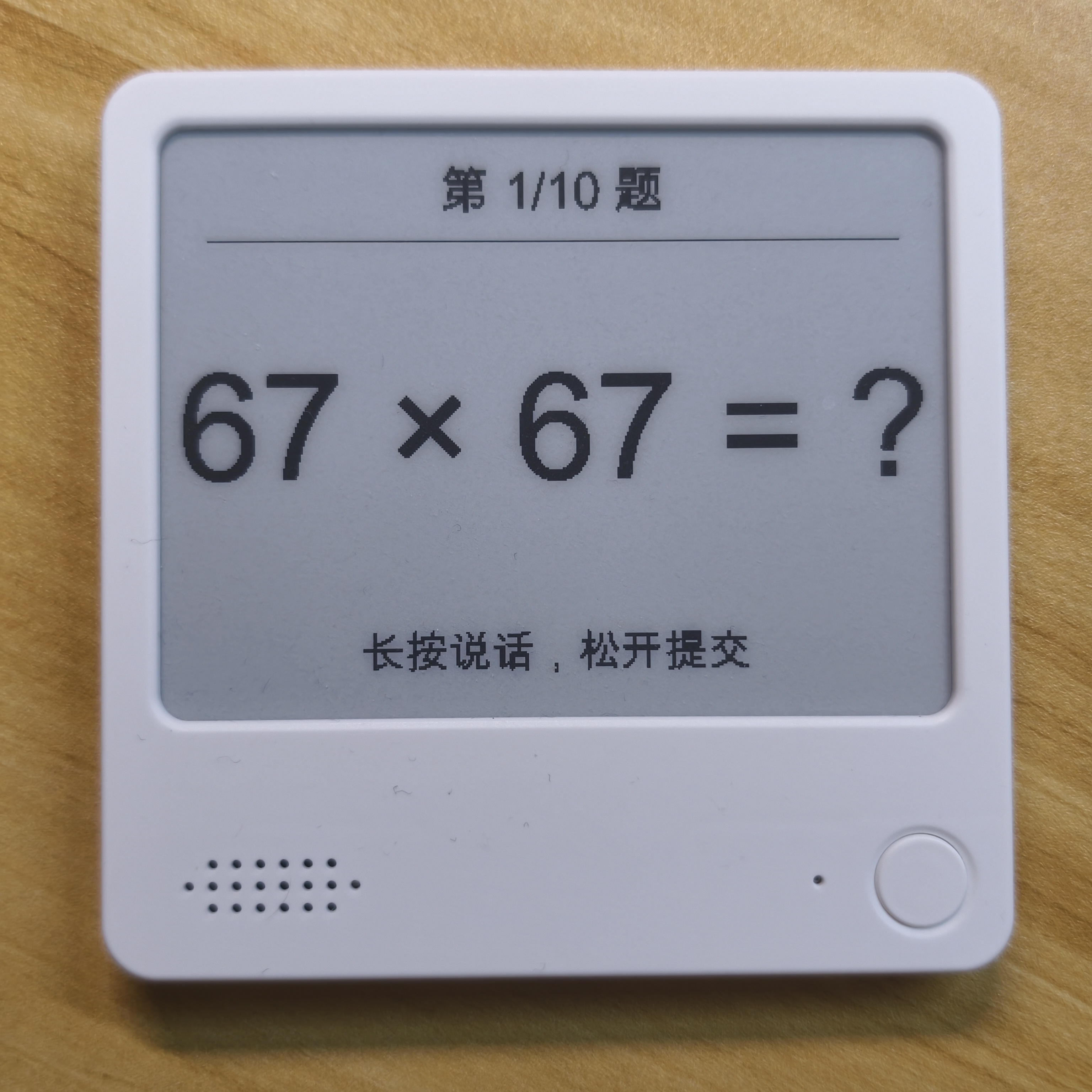
NOTE4 shows the problem. Hold confirm to answer aloud, then release for recognition and grading on a Mac. Practice two-digit multiplication or squares with unique questions in each set. Unclear answers prompt a retry.

Install & use
Set up the device build and local speech recognition on the Mac using the repository guide.
NOTE4 monochrome · Chinese firmware 3.7.5 · Apple silicon Mac · Rust, Python and official Local Push SDK · Same LAN
For monochrome NOTE4 and Apple silicon Macs, using the official local-push firmware.
Place the SDK at ../repos/zectrix-local-push-sdk relative to the project directory, then run cargo build --features device as documented.
Create a Python virtual environment and install mlx-audio. The app looks for ../asr-env/bin/python by default, or accepts an interpreter via --python. First use downloads a roughly 2 GB Qwen3-ASR model.
Keep the Mac and NOTE4 on the same LAN. Start drill_device with the device IP as documented and return NOTE4 to its home screen. Hold confirm to speak, release to submit, and short-press for the next problem.
Give the task to Codex or another local AI and follow the current project README to install and verify it.
https://github.com/hadronliu/zectrix-math-drill NOTE4 monochrome · Chinese firmware 3.7.5 · Apple silicon Mac · Rust, Python and official Local Push SDK · Same LAN Place the SDK at ../repos/zectrix-local-push-sdk relative to the project directory, then run cargo build --features device as documented. Create a Python virtual environment and install mlx-audio. The app looks for ../asr-env/bin/python by default, or accepts an interpreter via --python. First use downloads a roughly 2 GB Qwen3-ASR model. Keep the Mac and NOTE4 on the same LAN. Start drill_device with the device IP as documented and return NOTE4 to its home screen. Hold confirm to speak, release to submit, and short-press for the next problem. Verify the question appears, spoken answers are graded and a short press advances.
Verify the question appears, spoken answers are graded and a short press advances.
Repository documentation, configuration and author photo reviewed. No independent hardware test. Copying the task does not run installation.
Speech is recognized on the Mac. By default it deletes recordings after recognition and stores practice results locally. The first model download requires network access.