FourColor Ink
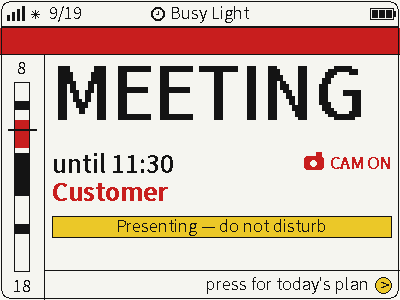
Switch between photos, weather and busy status on a four-color screen for glanceable desktop information.
USB firmware
View & install Views0

Device firmware · NOTE4 · Monochrome
A Macau bus firmware for monochrome NOTE4. Over Wi-Fi, it fetches DSAT bus positions and weather every five minutes, displaying estimated arrivals, the following bus and other routes. Configure stops, routes and Wi-Fi on the device.
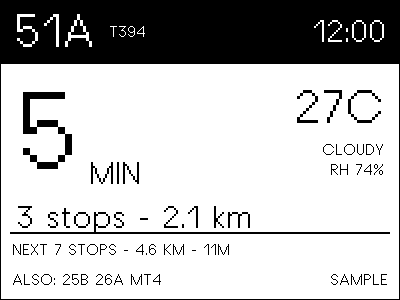
A Macau bus firmware for monochrome NOTE4. Over Wi-Fi, it fetches DSAT bus positions and weather every five minutes, displaying estimated arrivals, the following bus and other routes. Configure stops, routes and Wi-Fi on the device.
Install & use
Connect the device and give AI the detection results together with this firmware information.
USB chip information cannot distinguish monochrome from four-color screens. Confirm the model first.
Read the chip and capacity first, so AI needs fewer follow-up questions.
Detection may restart the device into download mode. It does not flash firmware; you still need to confirm the display model.
Not detected yet. You can also copy the task first and ask AI to help connect.
Codex on your computer can install dependencies and run programs locally.
Check compatibility → Prepare firmware and a full backup → Assist with local installation → Verify first run
After copying, start a new chat in Codex on your computer and paste the task.
Only project information and the device details selected here are included. Network addresses, accounts and keys are configured locally during installation.
The device displays the expected Macau bus card and continues to update normally.
Ask AI to report the installation location, verification results and how to start again. Continue in the same conversation if something goes wrong.
Monochrome NOTE4 · ESP32-S3 N16R8 · ESP-IDF 6.1 · USB data cable · Wi-Fi
Confirm a monochrome NOTE4 ESP32-S3 N16R8 and save a full Flash backup of your own device. Install ESP-IDF 6.1; adapt the author-specific paths in idf-env.sh. The README backup path refers to the author’s local file, not a downloadable recovery image.
Build following the repository and use idf.py -p <PORT> build flash monitor with your device port. No formal Releases package was found. This firmware replaces the existing device system; it is not a desktop local app.
Hold confirm to open settings and use up/down to configure Wi-Fi, stop and route, or use the README USB commands. Check the stop, route, time and refresh status after connection. We verified source-rendered previews only, not device flashing or live bus data.
Source preview verified; device flashing unverified. Generating a task does not send it or install anything.
No. The implementation estimates time from straight-line bus-to-stop distance at a fixed 25 km/h, without roads, traffic or dwell delays. Treat it as a rough estimate.
No. We called the project’s RenderCard and HearthCanvas rendering code with sample 51A / T394 data to generate a 400×300 image marked SAMPLE. The README photograph was not used.
Listed for monochrome NOTE4 only; do not use this image on NOTE4C. Source is public, but no root project license was found. Some drivers and canvas components have separate origin and license notes; confirm authorization before modification or redistribution.
Switch between photos, weather and busy status on a four-color screen for glanceable desktop information.
USB firmware
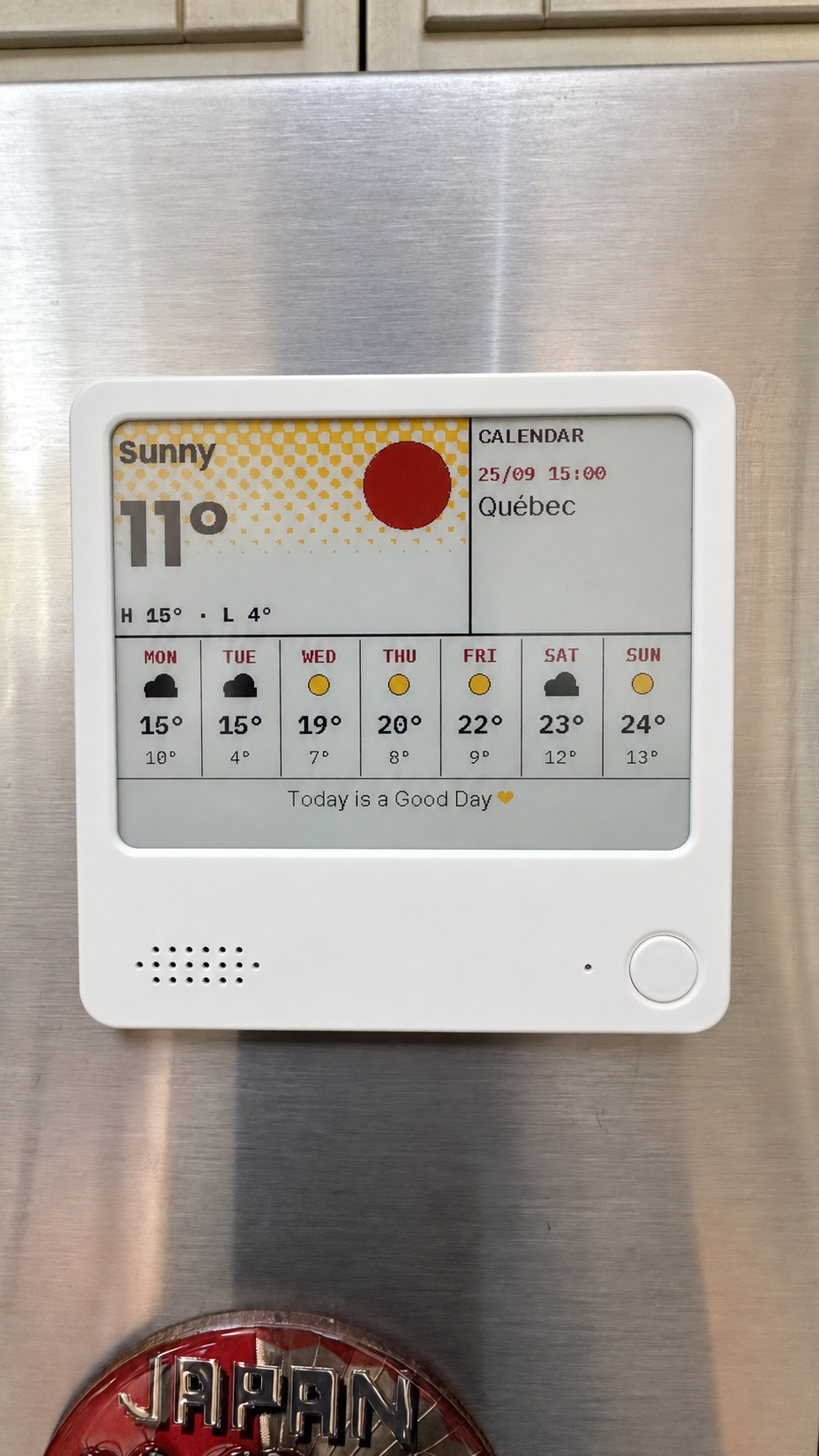
Compose weather, calendars, countdowns and notes on your computer, then send them to NOTE4C over your LAN.
Firmware + companion service
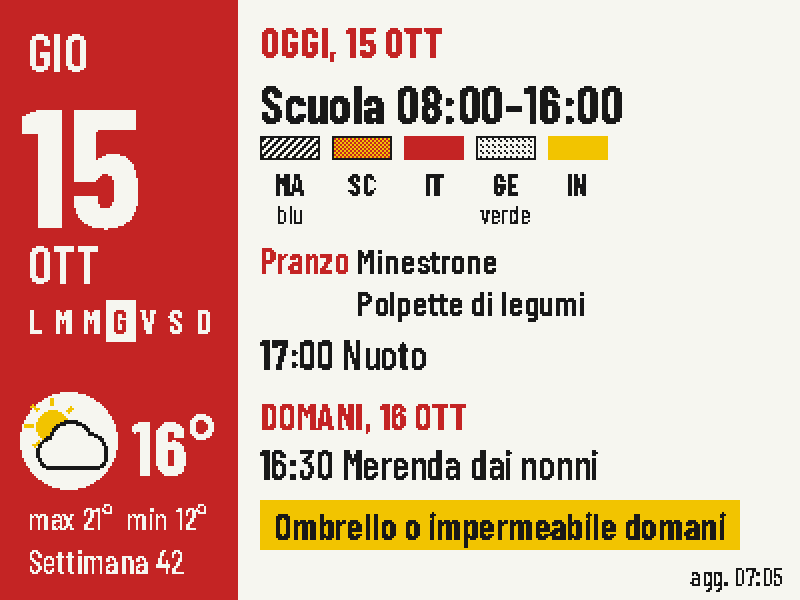
Put today's classes, school lunch, weather and tomorrow's bag checklist on one four-color screen.
Firmware + companion service