FourColor Ink
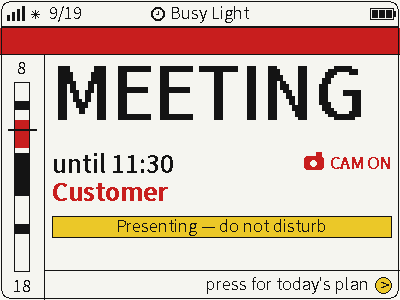
Switch between photos, weather and busy status on a four-color screen for glanceable desktop information.
USB firmware
View & install Views0

Device firmware · NOTE4 monochrome / NOTE4C four-color
A Quran radio and prayer dashboard with Islamic holidays, Ramadan schedules, daily duas, reminders of the 99 Names of Allah and NFC prayer check-ins.
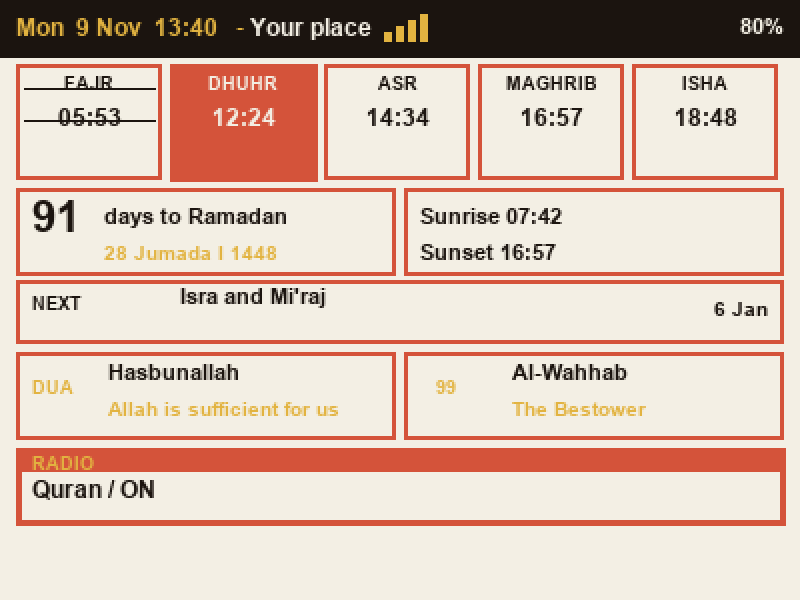
A Quran radio and prayer dashboard with Islamic holidays, Ramadan schedules, daily duas, reminders of the 99 Names of Allah and NFC prayer check-ins.
Install & use
Connect the device and give AI the detection results together with this firmware information.
USB chip information cannot distinguish monochrome from four-color screens. Confirm the model first.
Read the chip and capacity first, so AI needs fewer follow-up questions.
Detection may restart the device into download mode. It does not flash firmware; you still need to confirm the display model.
Not detected yet. You can also copy the task first and ask AI to help connect.
Codex on your computer can install dependencies and run programs locally.
Check compatibility → Prepare firmware and a full backup → Assist with local installation → Verify first run
After copying, start a new chat in Codex on your computer and paste the task.
Only project information and the device details selected here are included. Network addresses, accounts and keys are configured locally during installation.
The device shows the expected QuranTrix interface and continues to update correctly.
Ask AI to report the installation location, verification results and how to start again. Continue in the same conversation if something goes wrong.
NOTE4 / NOTE4C · ESP32-S3 / 16 MB Flash · ESP-IDF 6.0 · USB-C data cable · Wi-Fi
Preserve a full Flash backup and verify the existing partition layout and recovery path. No GitHub Releases package is currently available. Build the ESP32-S3 application in firmware with ESP-IDF 6.0 following the README. The author specifies application-only flashing at 0x20000, preserving the existing bootloader and partition table. This is not a full image for 0x0 and must not be applied to an unverified partition layout.
Hold the round button for about 2 seconds, join QuranTrix-Setup, open http://192.168.4.1 and enter the displayed pairing code. Set home Wi-Fi, location, time zone, calculation method and Asr option. Offline setup supports built-in cities or manual coordinates.
The application supports both panels but cannot detect them: Auto assumes NOTE4C. On monochrome NOTE4, select NOTE4 black & white in Settings → Look → E-paper model, save and restart. Verify location, time zone and prayer times before testing radio and NFC.
Source, dual-model implementation and author images reviewed; build, flashing and hardware not independently tested. Generating a task neither sends it nor performs installation.
This is standalone community firmware that replaces the device system. It does not run through the official local-push SDK or ZECTRIX Cloud Open API. Radio, online place search and data updates need their corresponding network services. The source is MIT-licensed, retaining notices for Karim, Tomasz Fiedoruk and third-party components.
Interface sample from the author’s repository, not a device photo. Dates, location and prayer times are illustrative. Source, dual-model implementation and author images reviewed; build, flashing and hardware not independently tested
Switch between photos, weather and busy status on a four-color screen for glanceable desktop information.
USB firmware
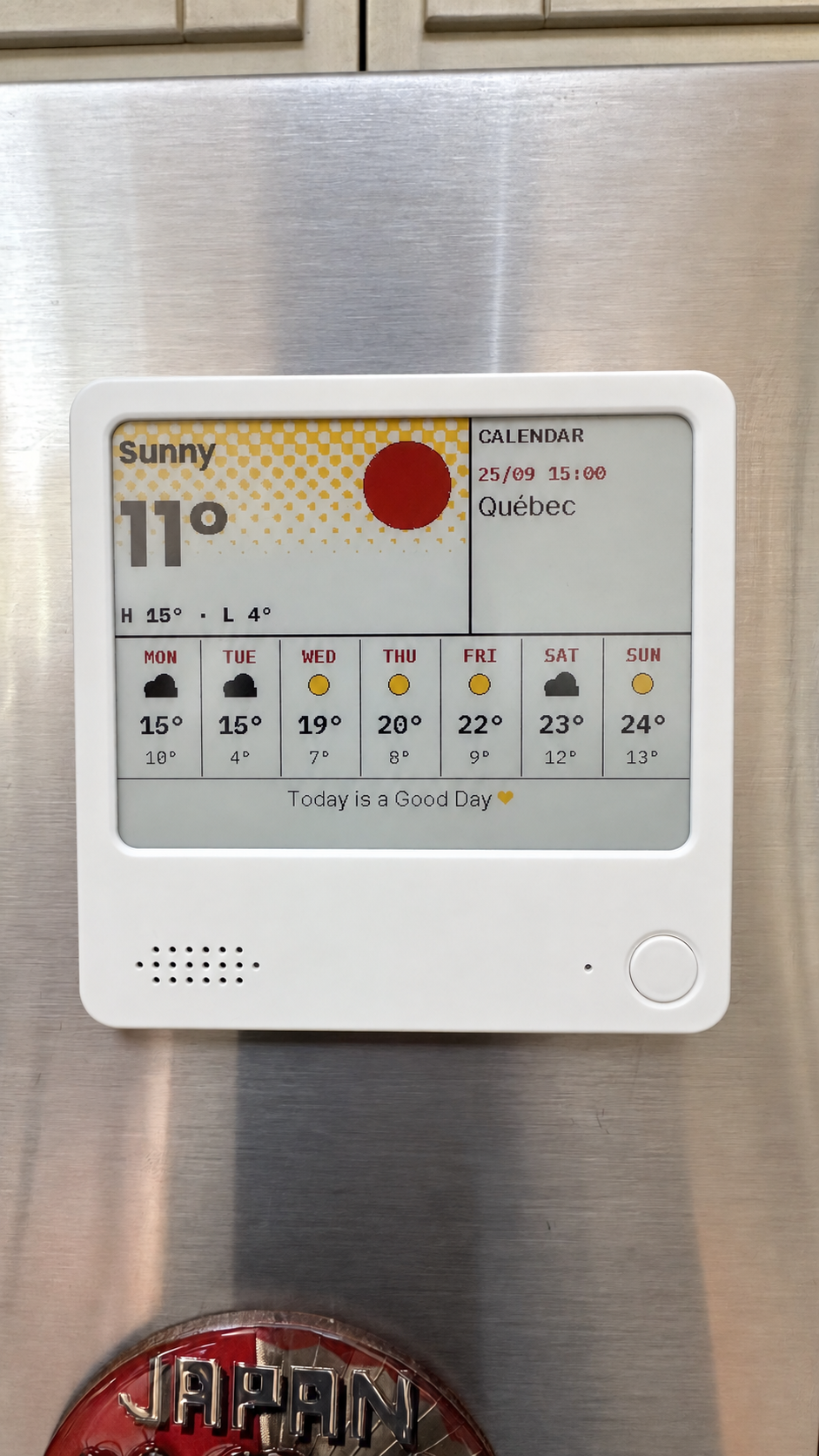
Compose weather, calendars, countdowns and notes on your computer, then send them to NOTE4C over your LAN.
Firmware + companion service
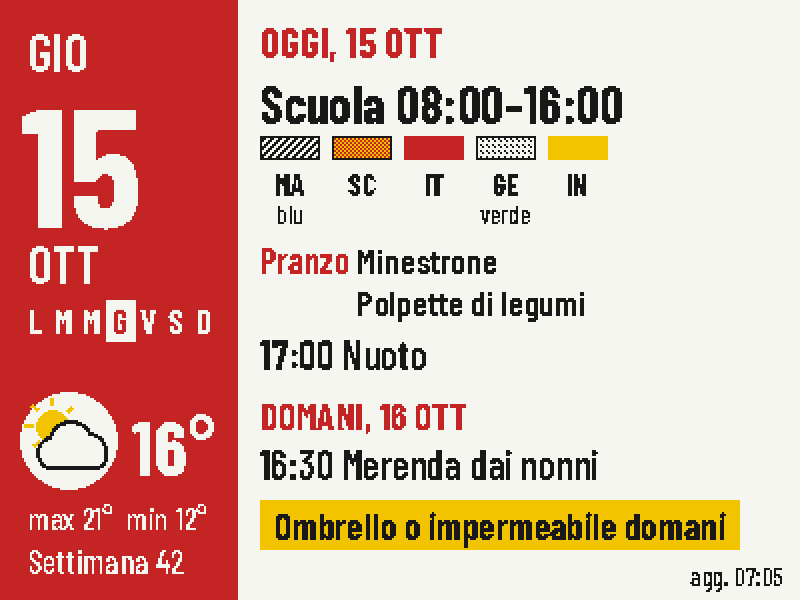
Put today's classes, school lunch, weather and tomorrow's bag checklist on one four-color screen.
Firmware + companion service