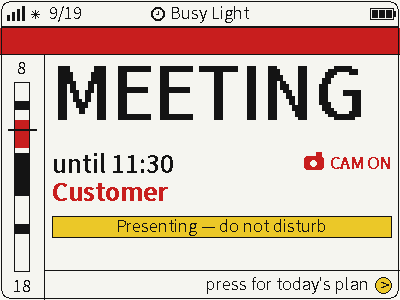
FourColor Ink
Switch between photos, weather and busy status on a four-color screen for glanceable desktop information.
USB firmware
View & install Views0

Device firmware · NOTE4 · Monochrome
Display calendars, dashboards and custom feeds with low power consumption.
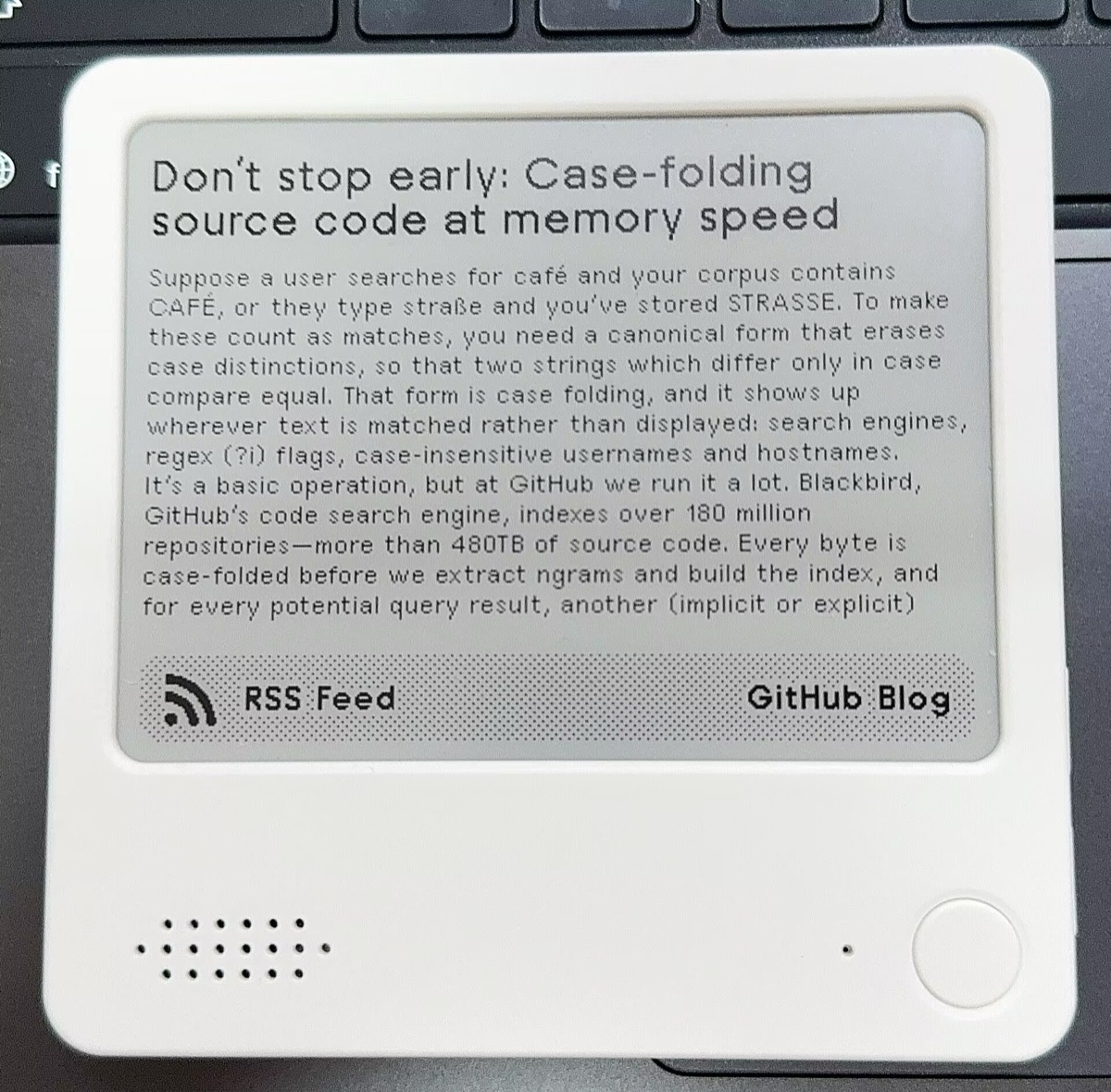
Display calendars, dashboards and custom feeds with low power consumption.
Install & use
Connect the device and give AI the detection results together with this firmware information.
USB chip information cannot distinguish monochrome from four-color screens. Confirm the model first.
Read the chip and capacity first, so AI needs fewer follow-up questions.
Detection may restart the device into download mode. It does not flash firmware; you still need to confirm the display model.
Not detected yet. You can also copy the task first and ask AI to help connect.
Codex on your computer can install dependencies and run programs locally.
Check compatibility → Prepare firmware and a full backup → Assist with local installation → Verify first run
After copying, start a new chat in Codex on your computer and paste the task.
Only project information and the device details selected here are included. Network addresses, accounts and keys are configured locally during installation.
The device shows the expected TRMNL · NOTE4 Edition screen and continues to work after repeated updates.
Ask AI to report the installation location, verification results and how to start again. Continue in the same conversation if something goes wrong.
Monochrome NOTE4 N16R8 · TRMNL service · USB data cable
Device firmware fetches images from the configured TRMNL service. Prepare the service and monochrome NOTE4 N16R8 hardware first.
Save a 16 MB Flash backup. Select only the zectrix_note4 target in the zectrix branch. Distinguish the merged image for first installation from app-update images for compatible partition layouts.
Complete USB installation and first boot using the selected version's instructions, then connect Wi-Fi and TRMNL. This site has not checked current release files and does not provide direct flashing.
Information organized · Release version and installation await review. Generating a task does not send it or run an installation automatically.
The listed TRMNL release notes do not include ZECTRIX factory firmware. Save a complete backup of your own device before installing.
This listing is for monochrome NOTE4. Four-color devices require a separate NOTE4C build target and image.
Switch between photos, weather and busy status on a four-color screen for glanceable desktop information.
USB firmware
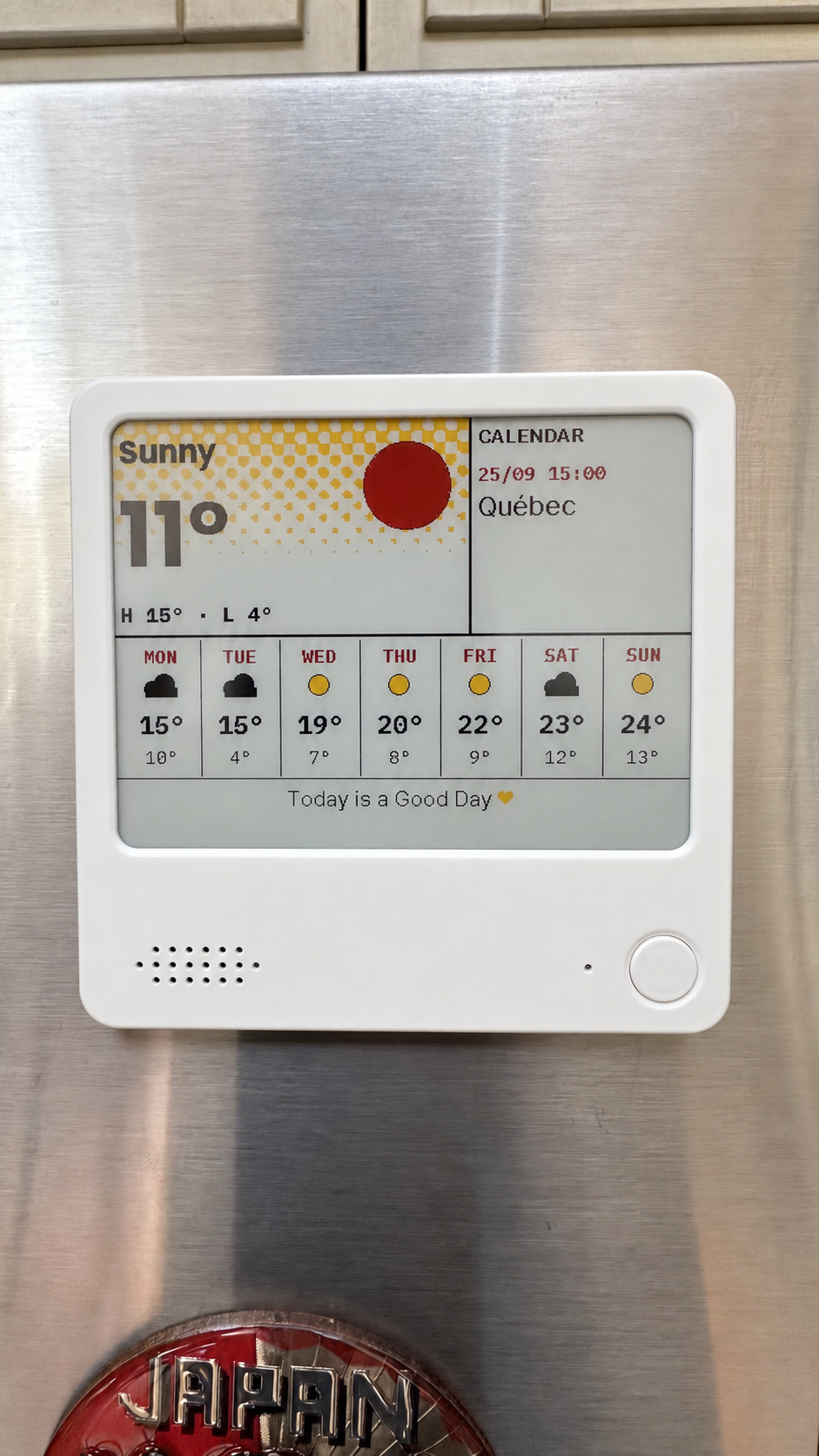
Compose weather, calendars, countdowns and notes on your computer, then send them to NOTE4C over your LAN.
Firmware + companion service
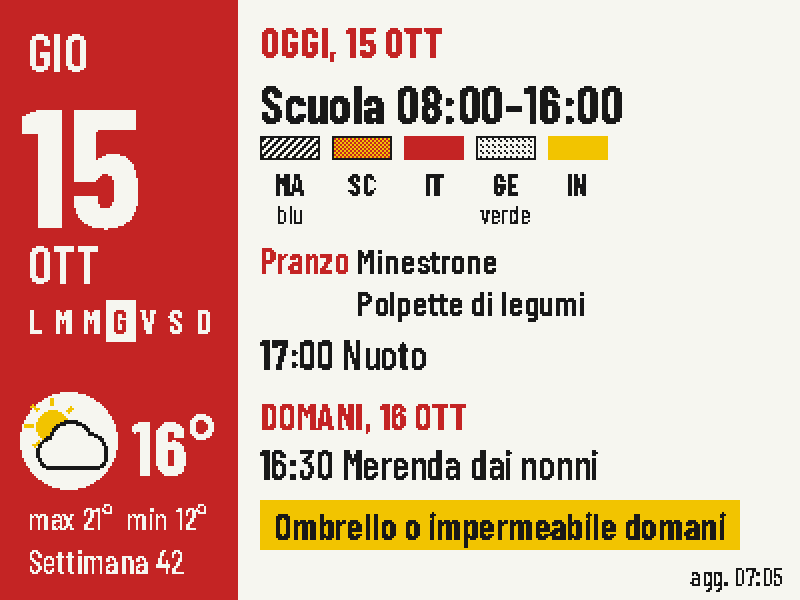
Put today's classes, school lunch, weather and tomorrow's bag checklist on one four-color screen.
Firmware + companion service