
NOTE4 16-Level Grayscale Demo
Explore full refresh, partial refresh and sixteen grayscale levels on monochrome NOTE4 as a display foundation for your own e-paper projects.
USB firmware
View & install Views0
Device firmware · NOTE4 · Monochrome
Create a NOTE4 app from a prompt or template, try buttons and wave gestures in the browser’s 400×300 simulator, then publish over USB or Wi-Fi to a device running the companion firmware.
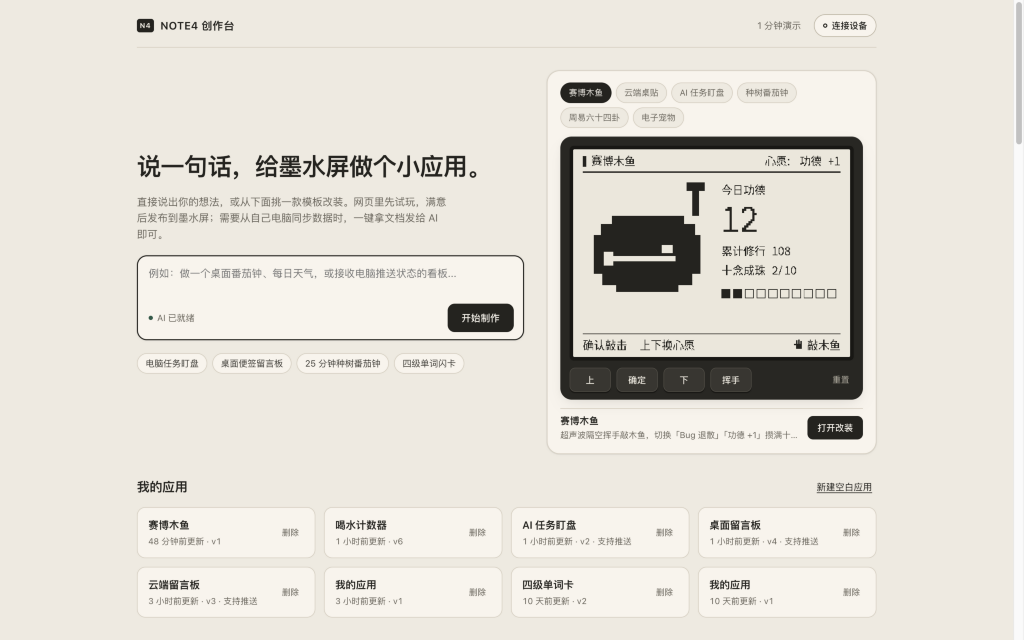
Create a NOTE4 app from a prompt or template, try buttons and wave gestures in the browser’s 400×300 simulator, then publish over USB or Wi-Fi to a device running the companion firmware.
Install & use
Connect the device and give AI the detection results together with this firmware information.
USB chip information cannot distinguish monochrome from four-color screens. Confirm the model first.
Read the chip and capacity first, so AI needs fewer follow-up questions.
Detection may restart the device into download mode. It does not flash firmware; you still need to confirm the display model.
Not detected yet. You can also copy the task first and ask AI to help connect.
Codex on your computer can install dependencies and run programs locally.
Check compatibility → Prepare firmware and a full backup → Assist with local installation → Verify first run
After copying, start a new chat in Codex on your computer and paste the task.
Only project information and the device details selected here are included. Network addresses, accounts and keys are configured locally during installation.
Confirm that NOTE4 displays the expected Studio app and that subsequent updates work.
Ask AI to report the installation location, verification results and how to start again. Continue in the same conversation if something goes wrong.
Monochrome NOTE4 with companion firmware · Chrome or Edge for USB writing · Node.js 24+ for self-hosting · Compatible model for AI creation
Open the studio or self-host it from the README. Select a template and try the buttons and wave gesture in the simulator. Manual editing works without an AI model. Configure a model on the server for chat-based creation.
Confirm the device is a monochrome NOTE4, back up its original flash and consult the project documentation for the companion firmware, image source and recovery steps.
On the companion firmware, write via WebSerial in Chrome or Edge, or follow the project’s Wi-Fi publishing flow. Check rendering and buttons first. For Relay, configure the computer using the instructions generated for that app.
Source, documentation and the author’s screenshot reviewed. No independent flashing or hardware test. Generated tasks are neither sent nor installed automatically.
The browser simulator works on its own. Publishing to NOTE4 requires the project’s companion firmware. App packages and system firmware are separate files.
Follow the README with Node.js 24+. The project uses built-in SQLite. Whether you need a model or Relay depends on what your app does.
Explore full refresh, partial refresh and sixteen grayscale levels on monochrome NOTE4 as a display foundation for your own e-paper projects.
USB firmware
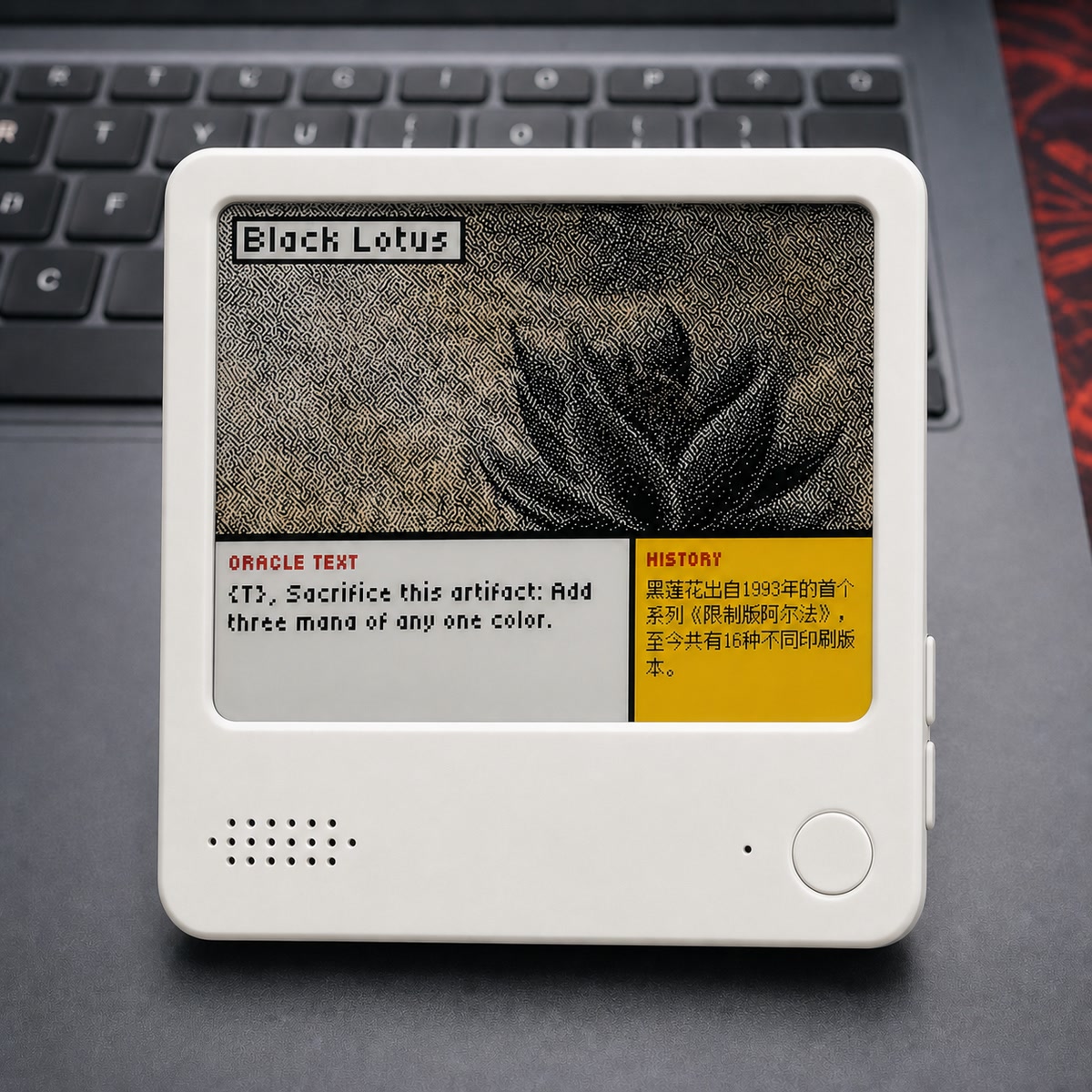
Turn NOTE4C into a four-color photo gallery with uploads through a phone hotspot or home LAN.
USB firmware
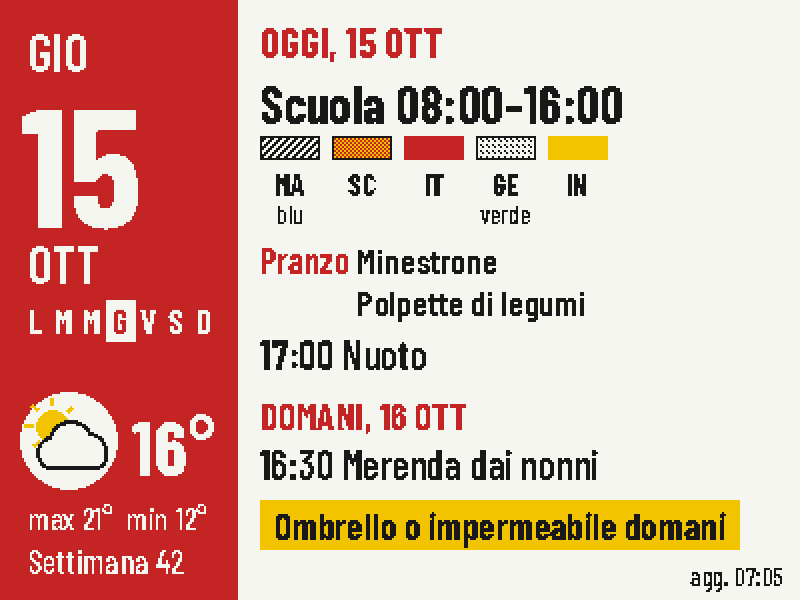
Put today's classes, school lunch, weather and tomorrow's bag checklist on one four-color screen.
Firmware + companion service