
NOTE4 16-Level Grayscale Demo
Explore full refresh, partial refresh and sixteen grayscale levels on monochrome NOTE4 as a display foundation for your own e-paper projects.
USB firmware
View & install Views0

Device firmware · NOTE4 · Monochrome
Combine voice input, AI coding and Apple Reminders into one desktop workflow.
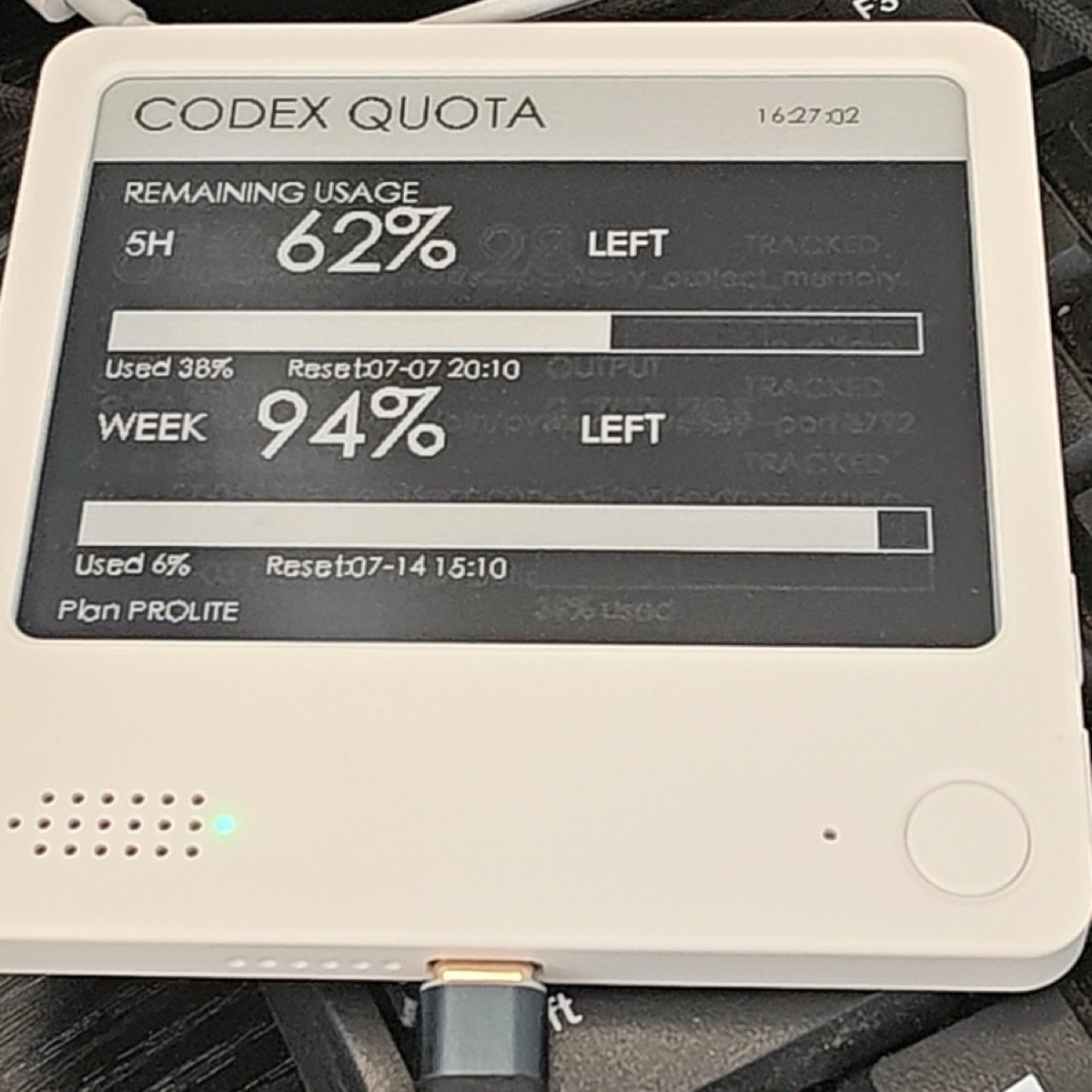
Combine voice input, AI coding and Apple Reminders into one desktop workflow.
Install & use
Connect the device and give AI the detection results together with this firmware information.
USB chip information cannot distinguish monochrome from four-color screens. Confirm the model first.
Read the chip and capacity first, so AI needs fewer follow-up questions.
Detection may restart the device into download mode. It does not flash firmware; you still need to confirm the display model.
Not detected yet. You can also copy the task first and ask AI to help connect.
Codex on your computer can install dependencies and run programs locally.
Check compatibility → Prepare firmware and a full backup → Assist with local installation → Verify first run
After copying, start a new chat in Codex on your computer and paste the task.
Only project information and the device details selected here are included. Network addresses, accounts and keys are configured locally during installation.
The device shows the expected vibecoding-plus screen and continues to work after repeated updates.
Ask AI to report the installation location, verification results and how to start again. Continue in the same conversation if something goes wrong.
Monochrome NOTE4 · Native macOS client · Speech-transcription service
Run the companion client on macOS. Choose a compatible online transcription API or local transcription method according to the project, and grant the required permissions.
Back up the monochrome NOTE4's complete Flash, then build or install the specified firmware. The computer and device must be on networks that can communicate.
Test recording, transcription and the target input field before enabling Reminders sync. Current releases and installers have not been checked in this site.
Information organized · Release version and installation await review. Generating a task does not send it or run an installation automatically.
This listing covers the native macOS client workflow. Refer to later project documentation for other systems.
It depends on the transcription service selected. The project lists online APIs and local options; verify the actual configuration during deployment.
Explore full refresh, partial refresh and sixteen grayscale levels on monochrome NOTE4 as a display foundation for your own e-paper projects.
USB firmware
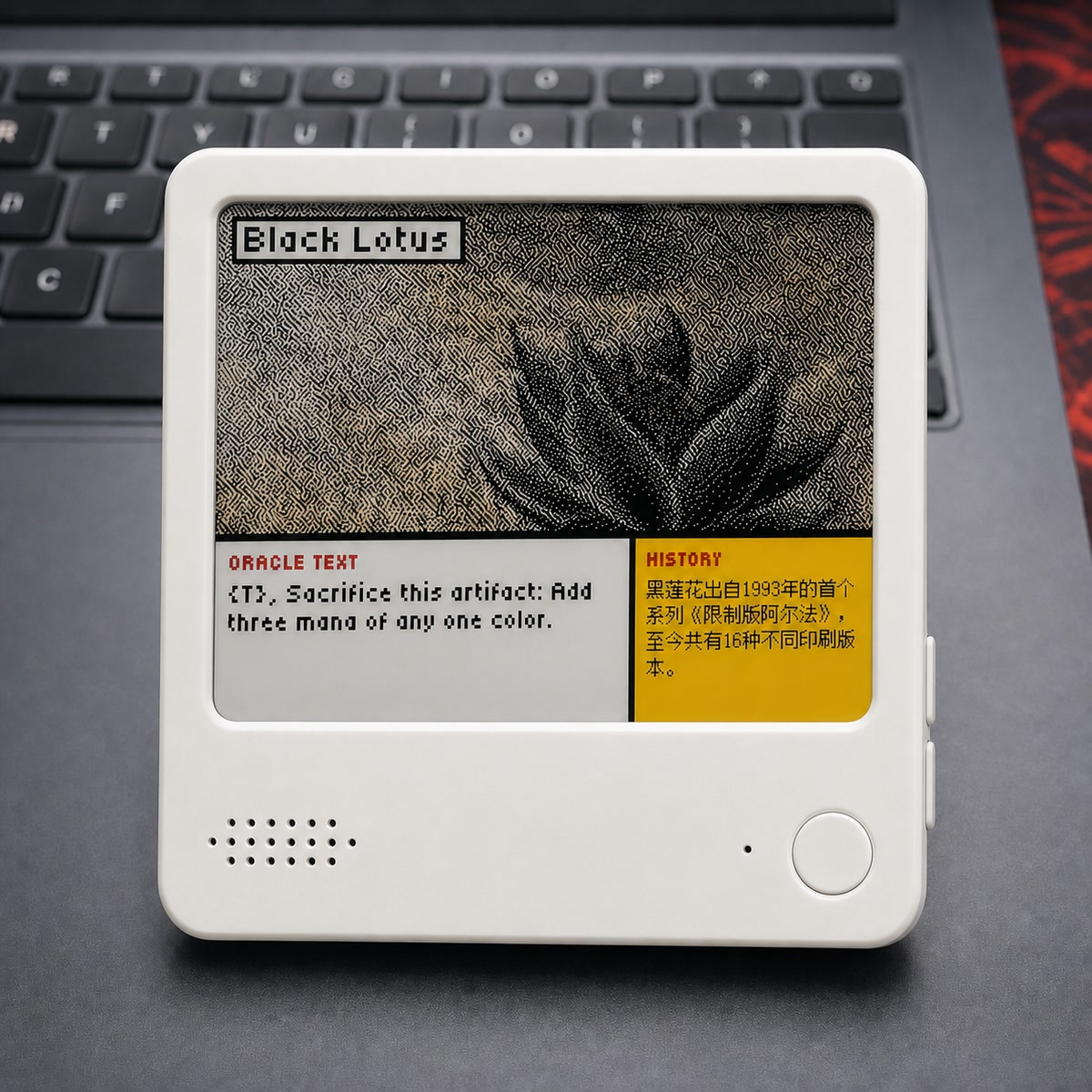
Turn NOTE4C into a four-color photo gallery with uploads through a phone hotspot or home LAN.
USB firmware
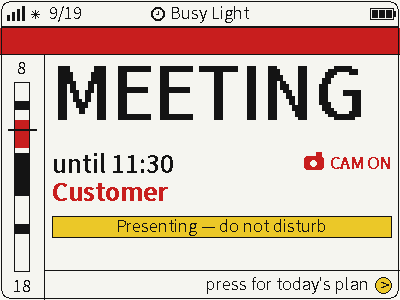
Switch between photos, weather and busy status on a four-color screen for glanceable desktop information.
USB firmware